What is User Roles & Access Control?
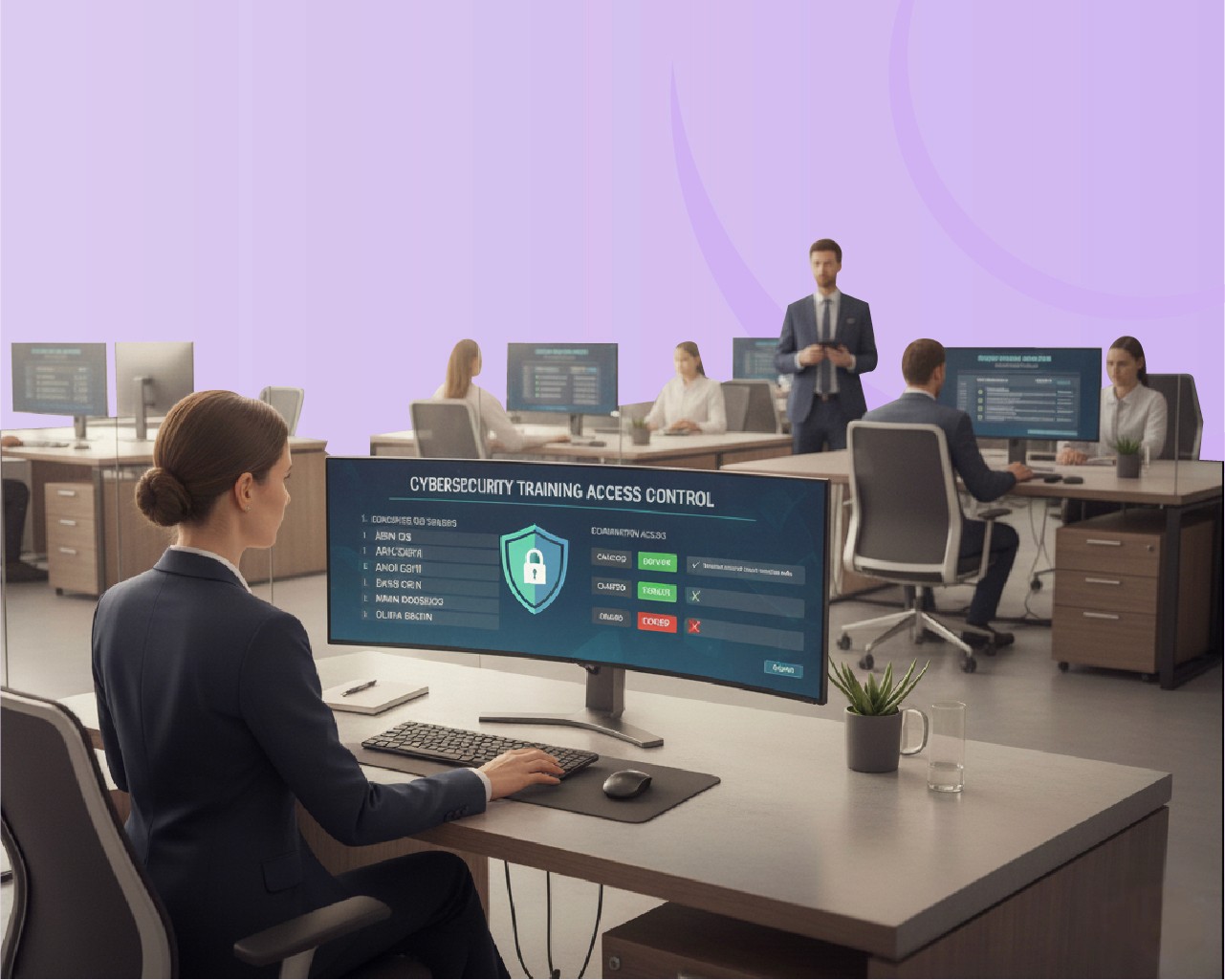
User Roles & Access Control define who can view, edit, manage, or report on specific areas within the LMS. It ensures that learners, instructors, managers, and administrators operate within defined boundaries—protecting sensitive data and simplifying platform governance.
What is User Roles & Access Control?
User Roles & Access Control define who can view, edit, manage, or report on specific areas within the LMS. It ensures that learners, instructors, managers, and administrators operate within defined boundaries—protecting sensitive data and simplifying platform governance.
What is User Roles & Access Control?
User Roles & Access Control define who can view, edit, manage, or report on specific areas within the LMS. It ensures that learners, instructors, managers, and administrators operate within defined boundaries—protecting sensitive data and simplifying platform governance.
What is User Roles & Access Control?
Granular Permission Management
Assign precise permissions at course, department, or system level to maintain full governance.
Predefined & Custom Roles
Use ready templates (Admin, Instructor, Learner, Auditor) or create custom roles tailored to your structure.
Department & Hierarchy Mapping
Automatically align user roles with organizational units for scalable administration.
Single Sign-On (SSO) Integration
Seamlessly authenticate users while preserving role-based access rights.
Audit Logs & Activity Tracking
Monitor every change or action to ensure accountability and traceability.
Data Privacy & Compliance Controls
Meet ISO 27001, GDPR, and corporate governance standards by limiting access to sensitive training data.
Dynamic Role Inheritance
Easily update permissions across teams or regions—changes cascade automatically.
What is User Roles & Access Control?
Granular Permission Management
Assign precise permissions at course, department, or system level to maintain full governance.
Predefined & Custom Roles
Use ready templates (Admin, Instructor, Learner, Auditor) or create custom roles tailored to your structure.
Department & Hierarchy Mapping
Automatically align user roles with organizational units for scalable administration.
Single Sign-On (SSO) Integration
Seamlessly authenticate users while preserving role-based access rights.
Audit Logs & Activity Tracking
Monitor every change or action to ensure accountability and traceability.
Data Privacy & Compliance Controls
Meet ISO 27001, GDPR, and corporate governance standards by limiting access to sensitive training data.
Dynamic Role Inheritance
Easily update permissions across teams or regions—changes cascade automatically.
Benefits – Why User Roles & Access Control Matter
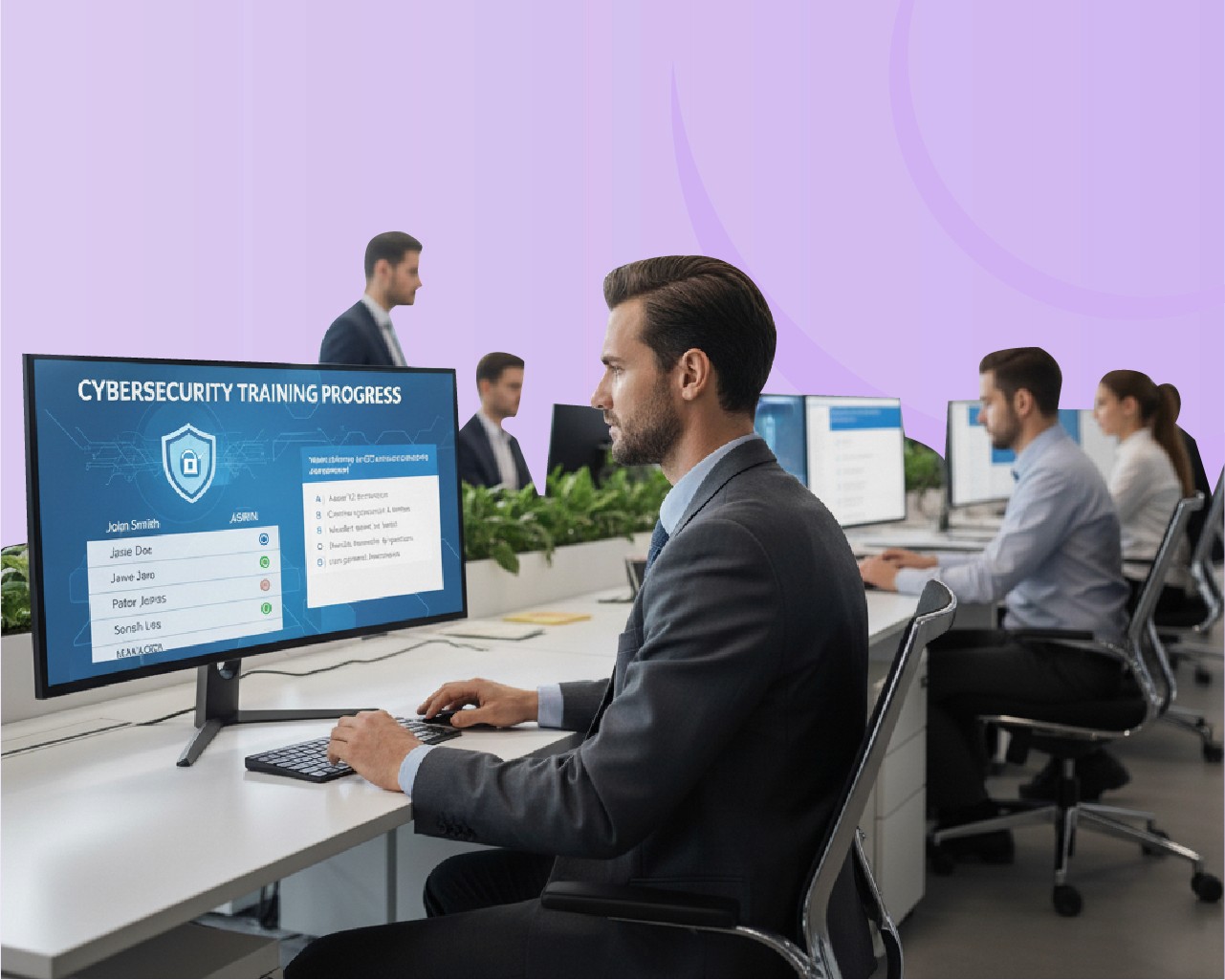
Stronger security posture with precise access boundaries.
Simplified administration through automated role synchronization.
Improved compliance readiness with complete audit and activity visibility.
Faster onboarding for new users with pre-mapped access levels.
Reduced operational errors by ensuring users only access relevant content.
Scalable governance across global teams and multi-tenant environments.
Benefits – Why User Roles & Access Control Matter
Stronger security posture with precise access boundaries.
Simplified administration through automated role synchronization.
Improved compliance readiness with complete audit and activity visibility.
Faster onboarding for new users with pre-mapped access levels.
Reduced operational errors by ensuring users only access relevant content.
Scalable governance across global teams and multi-tenant environments.
How Does Role-Based Access Control Work?
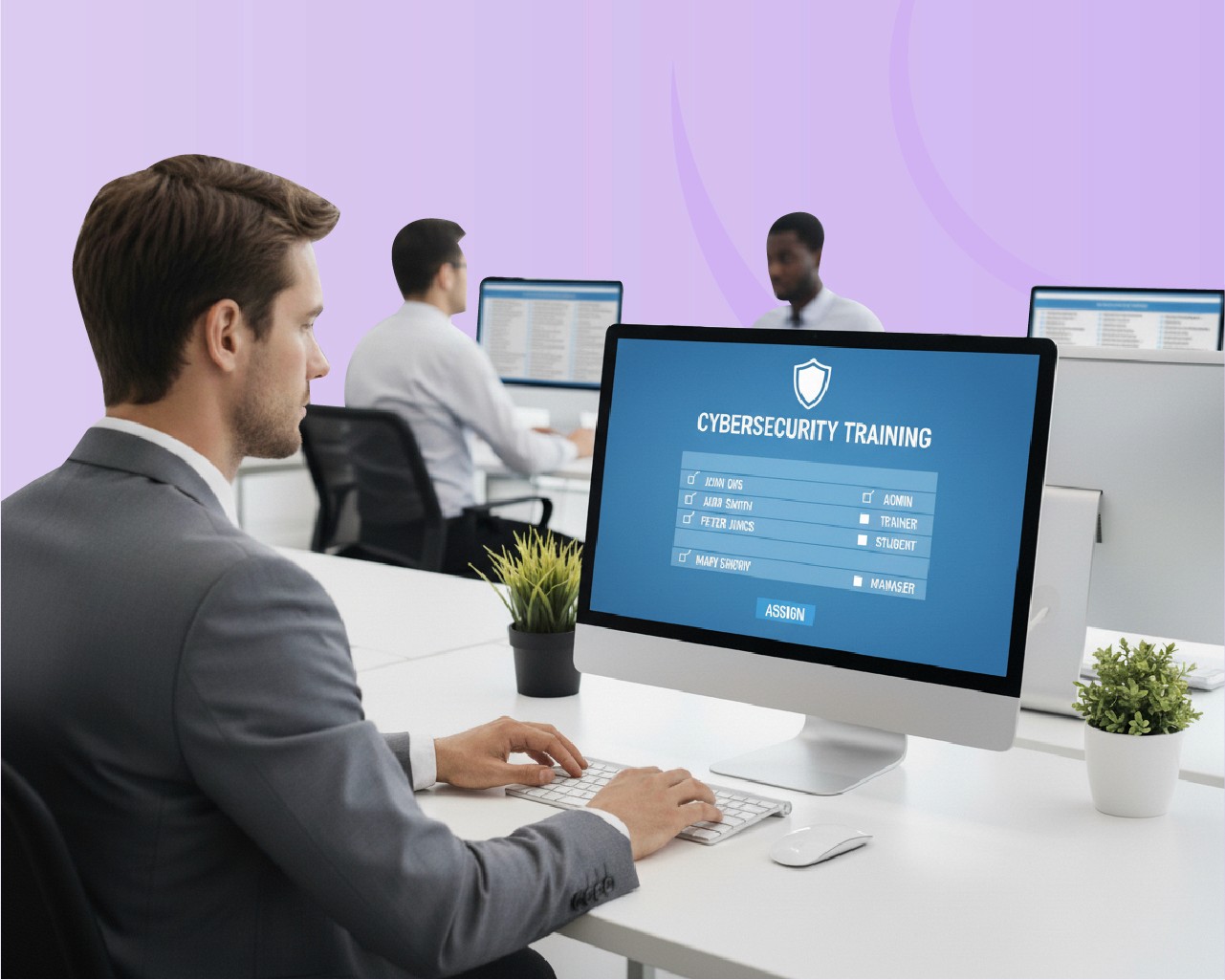
Administrators define user roles such as Learner, Instructor, Manager, and Admin.
Each role is assigned specific permissions (e.g., course editing, reporting, enrollment).
Users are automatically mapped to roles based on department or hierarchy.
Access rules apply dynamically as users’ responsibilities change.
Audit trails track activity to maintain transparency and compliance.
How Does Role-Based Access Control Work?
Administrators define user roles such as Learner, Instructor, Manager, and Admin.
Each role is assigned specific permissions (e.g., course editing, reporting, enrollment).
Users are automatically mapped to roles based on department or hierarchy.
Access rules apply dynamically as users’ responsibilities change.
Audit trails track activity to maintain transparency and compliance.
Trusted by Leading Organizations Across Training,
Compliance, and Risk Management

Government
4

Hotel & Resorts
2

Telecom
2

Hospital
3

Bank & Insurance
6

Retail associates
4
AI-Powered Platform for Enterprise Transformation and Operational Intelligence
AI-Powered Platform for Enterprise Transformation and Operational Intelligence
AI-Powered Platform for Enterprise Transformation and Operational Intelligence

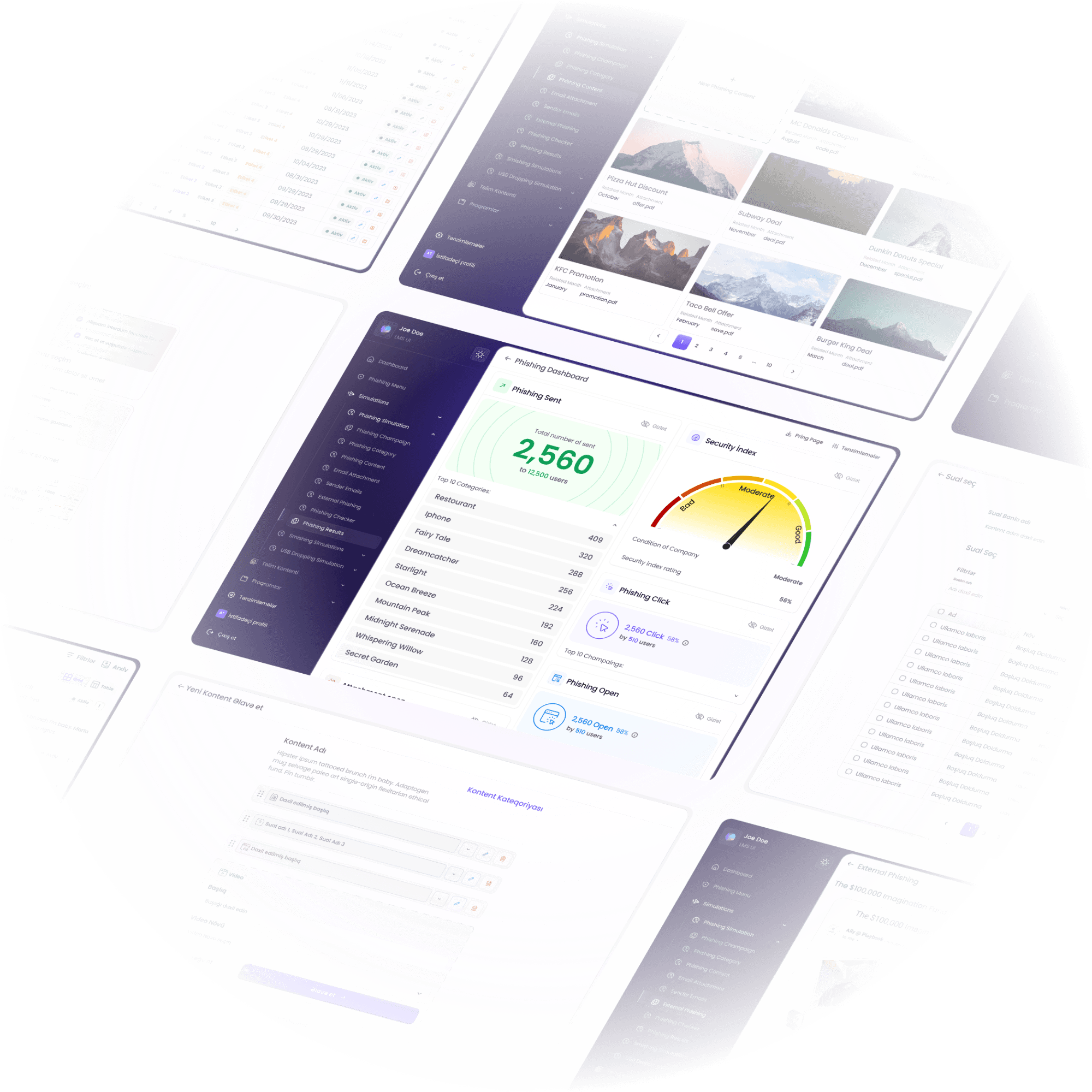
Solurius empowers organizations with a next-generation platform that unites learning, innovation, and cyber readiness in one seamless experience.
© 2026 Solurius. All rights reserved.
Subscribe to the Solurius Newsletter
Get valuable insights and updates—
no clutter, just what matters.
Solurius empowers organizations with a next-generation platform that unites learning, innovation, and cyber readiness in one seamless experience.
© 2026 Solurius. All rights reserved.
Subscribe to the Solurius Newsletter
Get valuable insights and updates—
no clutter, just what matters.
Solurius empowers organizations with a next-generation platform that unites learning, innovation, and cyber readiness in one seamless experience.
© 2026 Solurius. All rights reserved.
Subscribe to the Solurius Newsletter
Get valuable insights and updates—
no clutter, just what matters.