
Safe Internet & Device Use
Jun 20, 2025
Should You Use Public Wi-Fi? Risks & Best Practices
Introduction
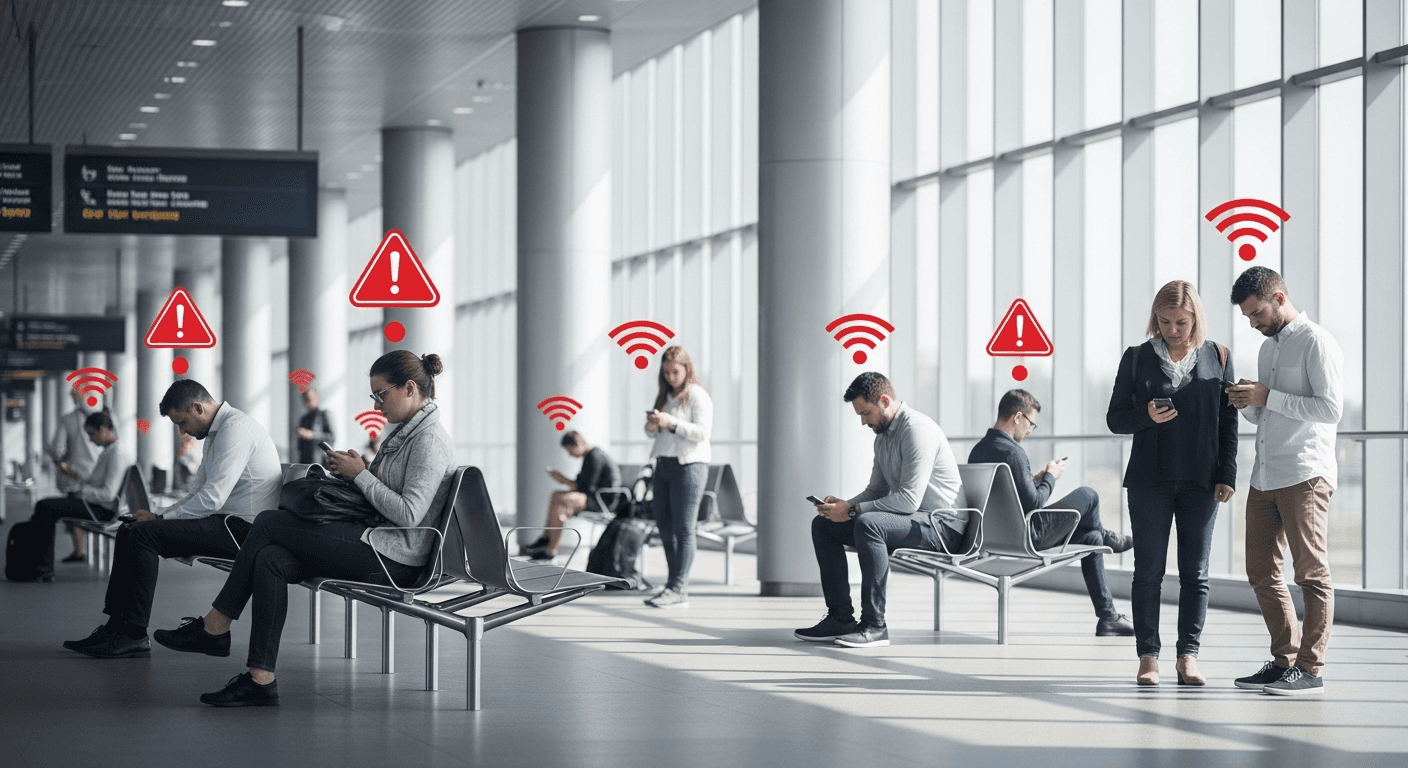
Public Wi-Fi networks are convenient and widely available in places such as airports, hotels, cafés, and shopping centers. They allow quick internet access without using mobile data, making them attractive for both personal and work-related tasks. However, public Wi-Fi also introduces serious security risks. These networks are often unsecured or poorly managed, creating opportunities for attackers to intercept data or manipulate user connections. Understanding the risks and following best practices is essential before connecting.
The Security Risks of Public Wi-Fi
Public Wi-Fi networks are typically shared by many unknown users, which makes them an attractive target for attackers. One common risk is traffic interception, where attackers monitor unencrypted data passing through the network. This can expose login credentials, emails, or sensitive information.
Another risk is the use of fake or rogue Wi-Fi hotspots. Attackers may create networks with names that resemble legitimate ones, tricking users into connecting. Once connected, all traffic can be monitored or altered. Session hijacking is also a concern, where attackers take over active logins if proper encryption is not in place.
Because public networks often lack strong security controls, users have little visibility into who else is connected or how traffic is handled.
When Public Wi-Fi Becomes Especially Dangerous
Public Wi-Fi is most dangerous when used for sensitive activities. Logging into email accounts, corporate systems, banking platforms, or cloud services over an unsecured network increases the chance of credential theft.
Remote work has amplified this risk, as employees may access internal systems from cafés or hotels without realizing the exposure. A single compromised session can lead to broader organizational impact.
Best Practices for Using Public Wi-Fi Safely
If public Wi-Fi must be used, several precautions can significantly reduce risk. Avoid accessing sensitive accounts or entering confidential information whenever possible. Using a trusted VPN encrypts traffic and prevents interception on open networks.
Ensure that websites use secure connections by checking for HTTPS, and disable automatic Wi-Fi connections to prevent devices from joining unknown networks. Keeping devices updated and firewalls enabled adds another layer of protection. Logging out of accounts after use and forgetting the network once disconnected further limits exposure.
Alternatives to Public Wi-Fi
Whenever possible, using a mobile hotspot or a trusted private network is safer than public Wi-Fi. Mobile networks typically offer stronger built-in encryption and reduce exposure to nearby attackers.
For organizations, providing secure remote access solutions and clear guidance for employees helps reduce risky behavior outside the office.
Conclusion
Public Wi-Fi offers convenience, but it comes with clear security risks that should not be ignored. While it can be used safely with proper precautions, it is not suitable for sensitive activities without additional protection. By understanding the risks and following best practices such as using a VPN, limiting exposure, and choosing safer alternatives, users can reduce the likelihood of data compromise and maintain better digital security.